Time to renew your Membership. Membership of Victorian Quilters Inc. was due for renewal on 31st August 2025. Log in then Click Here to Renew to 2026. Please note you MUST be logged in to renew.
Victorian Quilters Members Quilt SHOWCASE 2026!
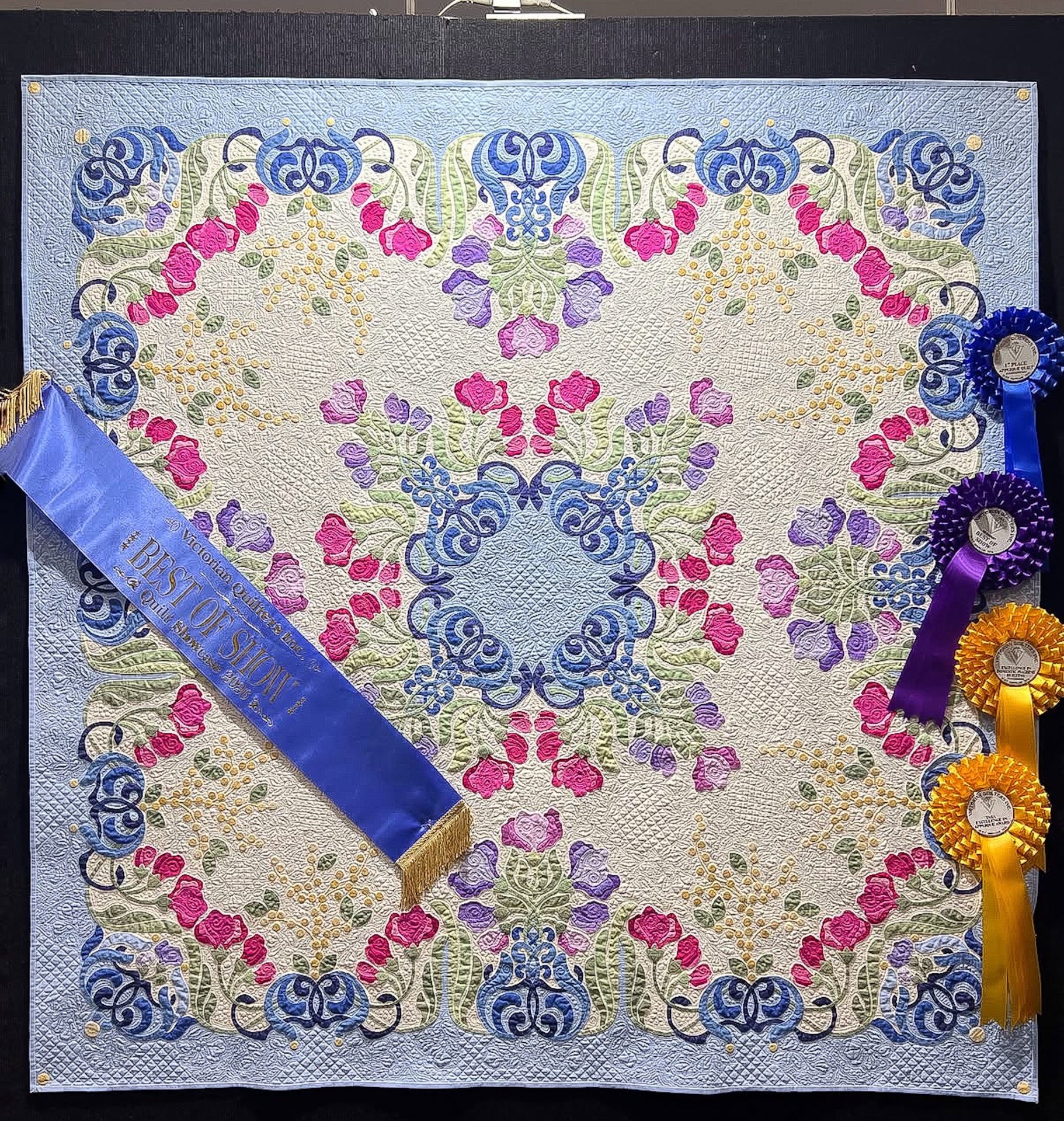
Congratulations to the Best Of Show Winner
Sweet Pea Serenade by Robyn Coots
Winner of: BERNINA Best of Show Excellence in Domestic Machine Quilting – Professional Excellence in Applique 4.2 First Applique Traditional – Professional
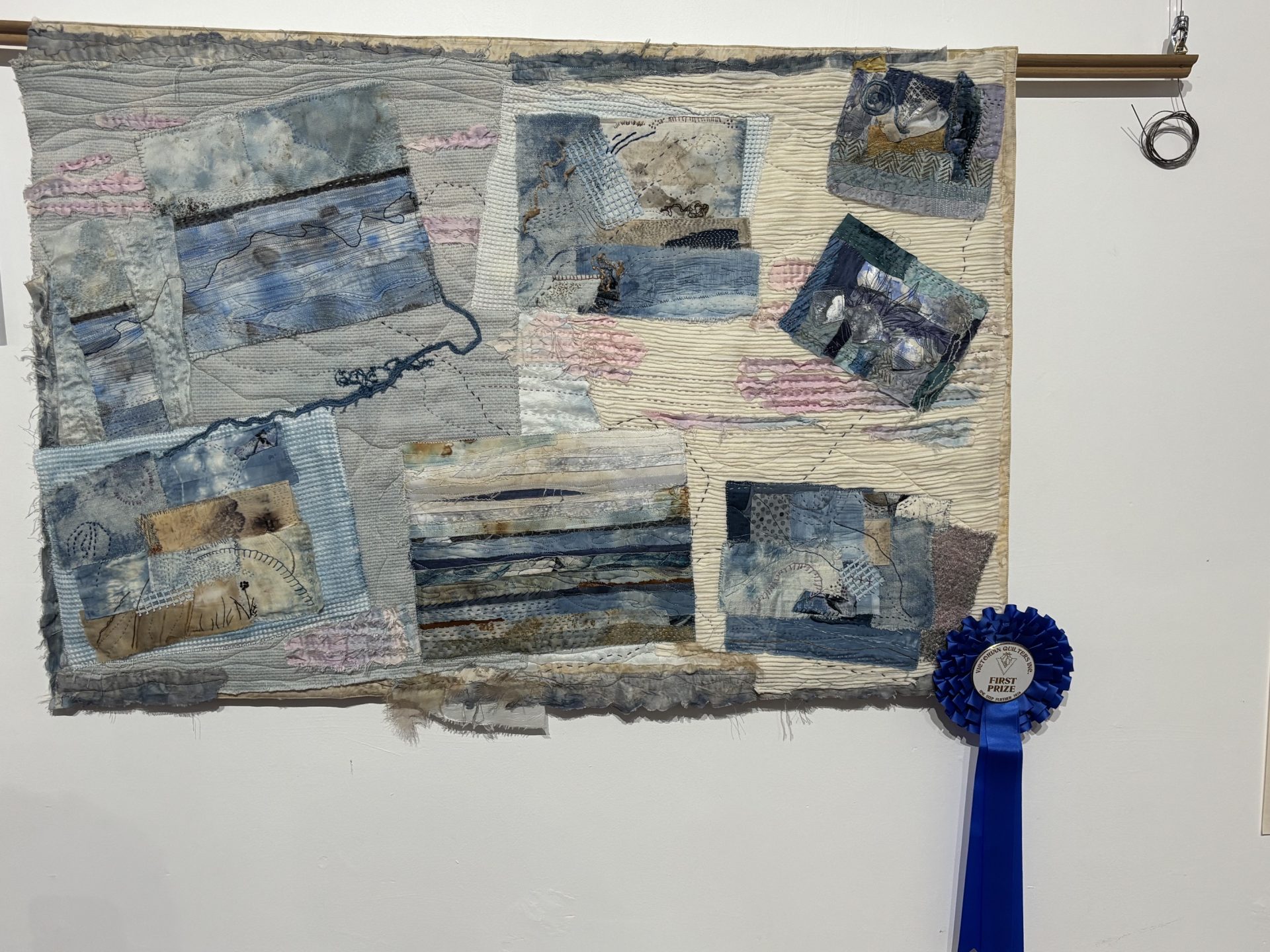
Category Winners
Click to view winners list
Click to view Excellence Awards Winners List
Raffle Winners
Prize
1st. Bernina 475QE Sewing Machine
2nd. Horn Lux-i Sewing Chair
3rd. Oliso TG1600 Pro Plus Smart
Winner
Di Durrington
Lorraine Ekin
Margo Kempke
Sponsor
Bernina
HobbySew Knox
Scissorman
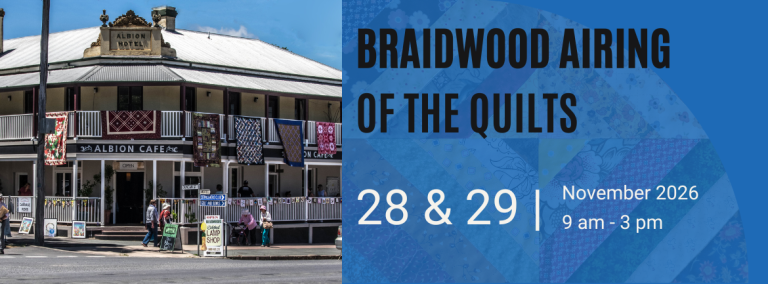
Great excuse for a road trip!
Information regarding the event and how to enter can be found on the event page HERE.
Find Out What’s Happening In Your Neck of the Woods HERE.
Do you have a craft event coming up? Let us know HERE.
The website is currently being updated, more exciting changes to come!
Search the map for Member Groups and small businesses run by members of Victorian Quilters Inc.
Would you like to be included on the map? Join Here today.
By clicking on the icon or name of the Member Group or business the contact details will be displayed. Click the slider icon on the left of the grey bar to see the legend for the map. When the legend is opened you may choose which category to view and display a list of the businesses or Member Groups in that category. If you only want to view one category (eg retailer), remove the tick from the other categories.